Conventional Magento workflow
- Open Sales menu
- Navigate to Orders
- Filter by order ID
- Open matching order
Time to open order details
WEBFICIAL
Loading…

Find the order, customer or catalogue record you need without losing your place in Magento. Spend less time navigating and more time running your store.
Interactive illustration, not a live Magento connection. Try:
Measured on a database containing 1,000,000 orders.
Time to open order details
Time to open order details
Reported internal test; lower is better. Global search timing may measure a different endpoint from the complete order-opening workflows. Hardware, indexing and configuration affect results.
Potential time saved per month
$611Monthly staff-time value
Illustrative estimate using 10 seconds saved per lookup; not guaranteed financial savings.
Explore typical admin tasks with sample records.
Enter the order ID and open the matching record directly.
3 / Select matching record
Processing · Sample order
Silent illustrated walkthrough, not an actual Magento recording. The animated comparison below represents the reported timings.
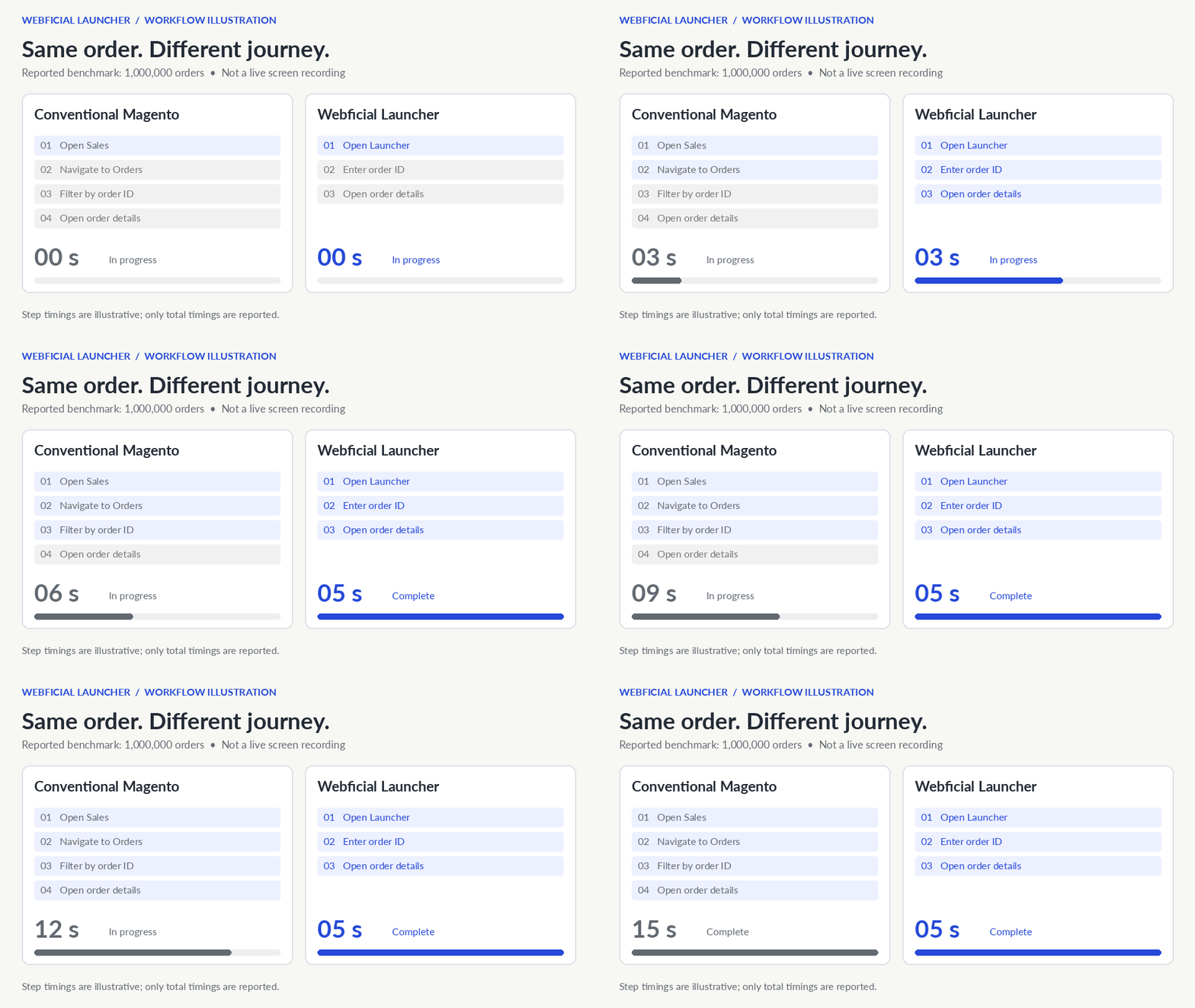
Conventional: Sales → Orders → filter → open, about 15 seconds. Launcher: open → enter ID → open record, about 5 seconds.
Go directly to a known order ID without opening the sales grid first.
Find customer records by name.
Search product names, including partial names where the configured search supports them.
Find categories by name.
Choose which entities are included in Advanced Launcher searches.
Search scope is intended to respect Magento ACL permissions. Verify role-specific behavior on your installation.
Use the entity selector to narrow your search. Advanced configuration lets administrators limit which entity types are searched.
Partial product and category name matching depends on the search strategy. Where search is restricted to prefixes, ask your technical team about full-text search.
| Capability | Global search | Order grid | Launcher |
|---|---|---|---|
| Reported order lookup | ~120 sec | ~15 sec | ~5 sec |
| Start from current admin screen | Global search | Navigate first | Direct search |
| Order grid filters | Not a grid | Available | Not required for known ID |
| Search scope | Native supported types | Orders | Configured entity types |
| Customer and catalogue lookup | Native supported types | Not in order grid | Supported in Advanced discussions |
Only the order-ID timing has been supplied as a completed benchmark. Other capabilities should be confirmed against the release package.
Explore the entry-level Launcher edition for everyday admin search.
Ask about BasicExplore broader entity search, configurable scope and catalogue workflows.
Ask about AdvancedContact Webficial for confirmed edition features, supported Magento / Adobe Commerce versions, pricing and licensing.
Launcher is an additional admin workflow. Existing grids remain useful for browsing and filtering.
Advanced Launcher includes a configurable entity scope as described in the development requirements. Confirm availability in your release.
Contact Webficial to verify compatibility, including Adobe Commerce-specific features.
No. The supplied benchmark is from a single test environment; database indexes, hardware, caching and installed extensions affect results.
Request the release-specific installation and configuration instructions from Webficial.
See what Launcher could do for your Magento store.
Request a demo ↗